Variant
Variants
Variant refers to different options of a product such as size, number, color and hem length. These are referred to as variant groups. For example; color is the green variant option for the variant group. After you create the variant group, you can add its options.
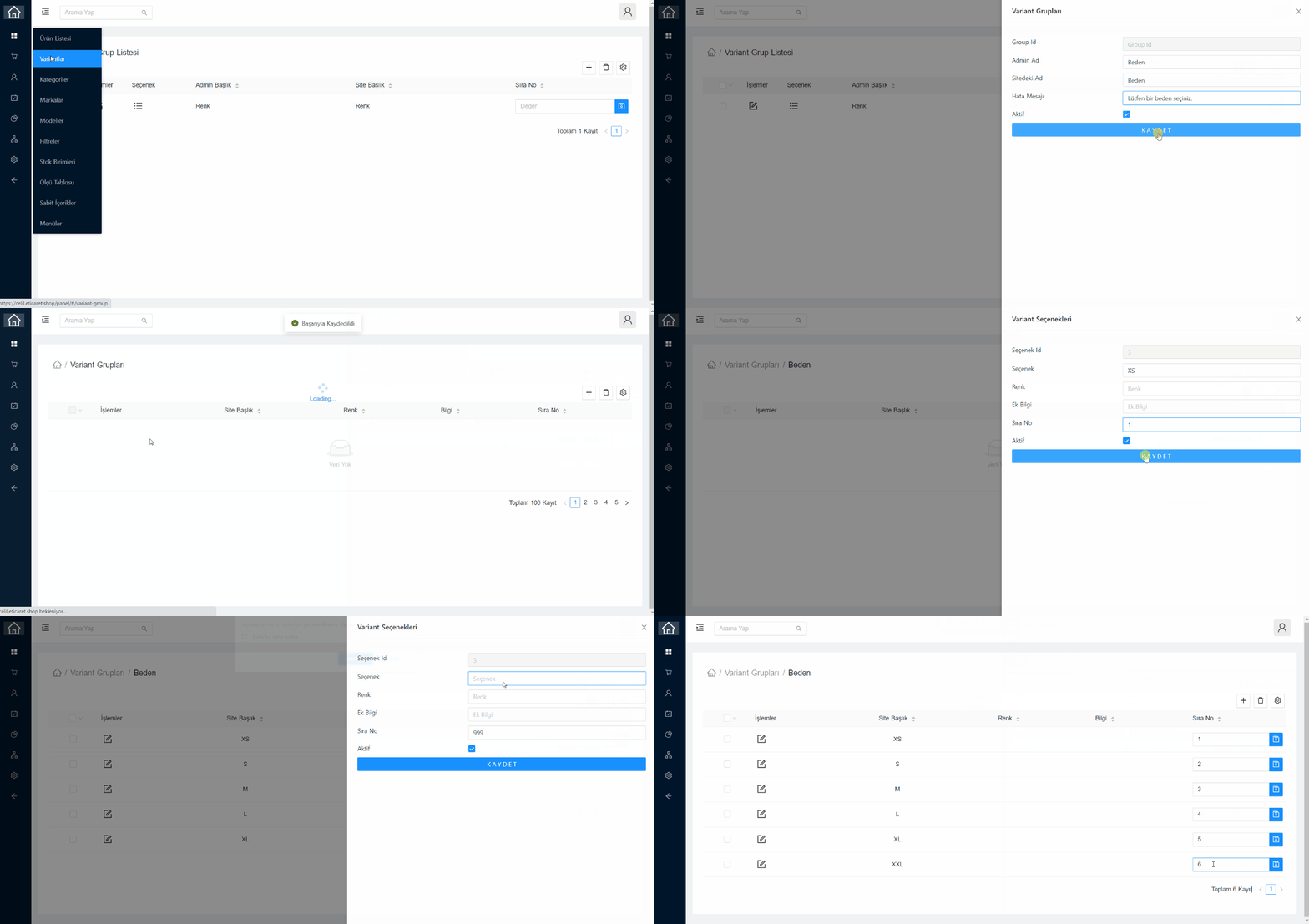
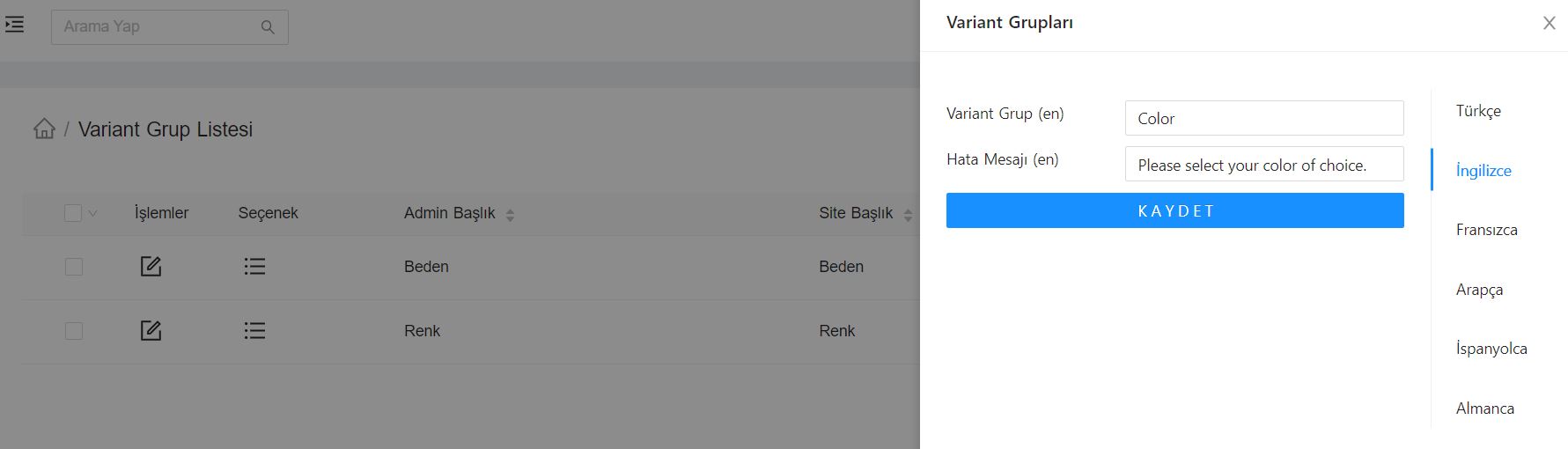
After adding the variant group, you can edit the language information from the editing window, if you have a language support module.
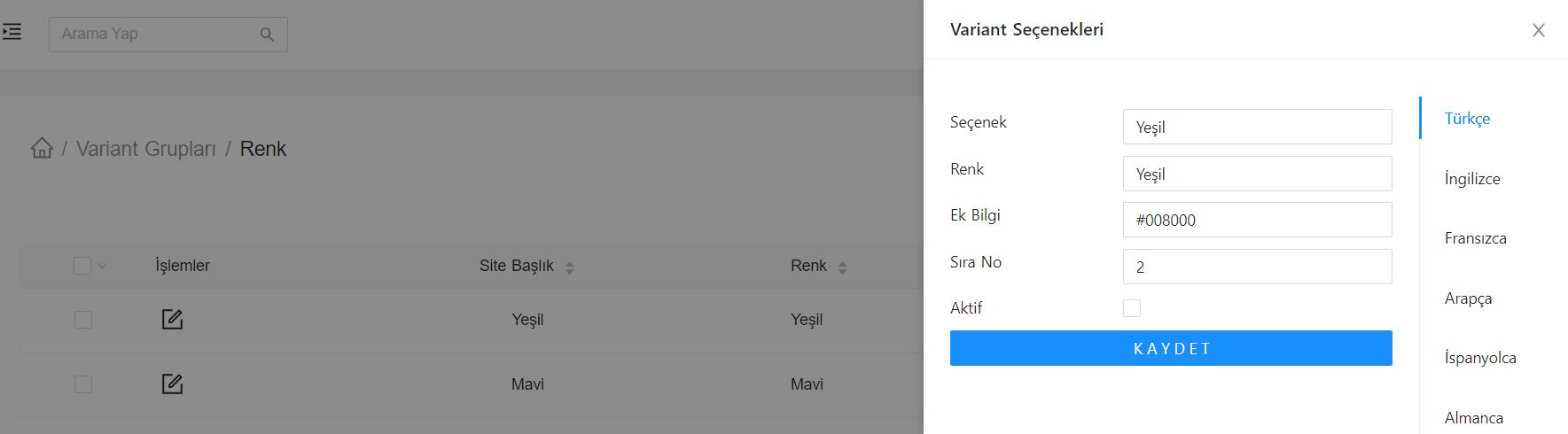
When adding options for a variant group, you can enter, for example, the color code value for the color option in the Additional Information field. In this way, you can show colored boxes in filters on the web side.
You can add variants for the product from the Variants tab on the product detail page, and enter separate barcode, code, stock and price for each variant product. If you wish, you can activate two variant groups for a product at the same time and use two options, such as color and number, at the same time in the variant product.