Content Settings
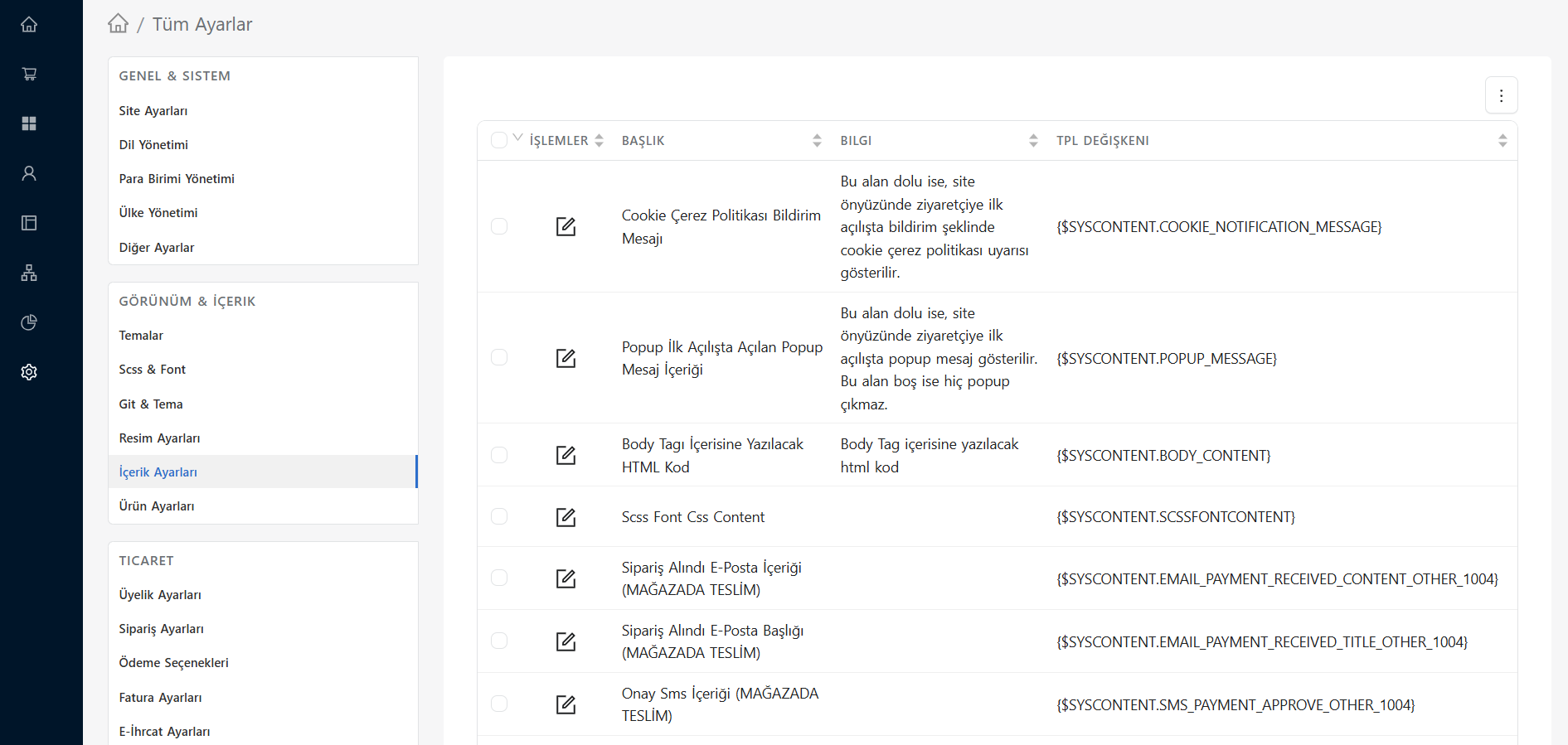
Settings > All Settings > Appearance & Content > Content Settings screen is the area where you set the standards for blog posts, corporate pages, menus and general text content displayed on your site.
Thanks to this section, you can control how your pages behave and according to which rules the content will be listed on the front page.
Basic Configurations
- Pagination Limits: Determines how many records will be shown on a single page on blog, news or announcement listing pages (pagination). You can optimize the user experience by increasing or decreasing the number of records per page.
- Content Sorting: You can set the criteria by which the content will be listed by default (Ex: Added date, Title alphabetical or Special Order Number).
- Date Format: Determines the format of the publication date (Ex:
DD.MM.YYYYorDD Month YYYY) that will appear next to the contents, comments or blog posts. - Social Sharing Buttons: Controls whether the buttons will be active on blog detail pages so that users can share the article on social media (Facebook, Twitter, WhatsApp, etc.).
Corporate Pages and Comments
- Comment Approval Mechanism: You can determine whether comments on your content or blog posts will be published directly on the site or will first undergo an admin approval (moderation).
- Image Display: Controls whether main images (thumbnail) will be shown in content lists or details.