Go & Theme
Settings > All Settings > Appearance & Content > Git & Theme screen is the area where you manage the version control and updates of your site's theme source codes.
The system allows you to manage your theme files through the Git infrastructure. Thus, you can use this screen when there is a change in your theme files (for example, when an update is released to the main theme) or when you want to synchronize your own files to the server.
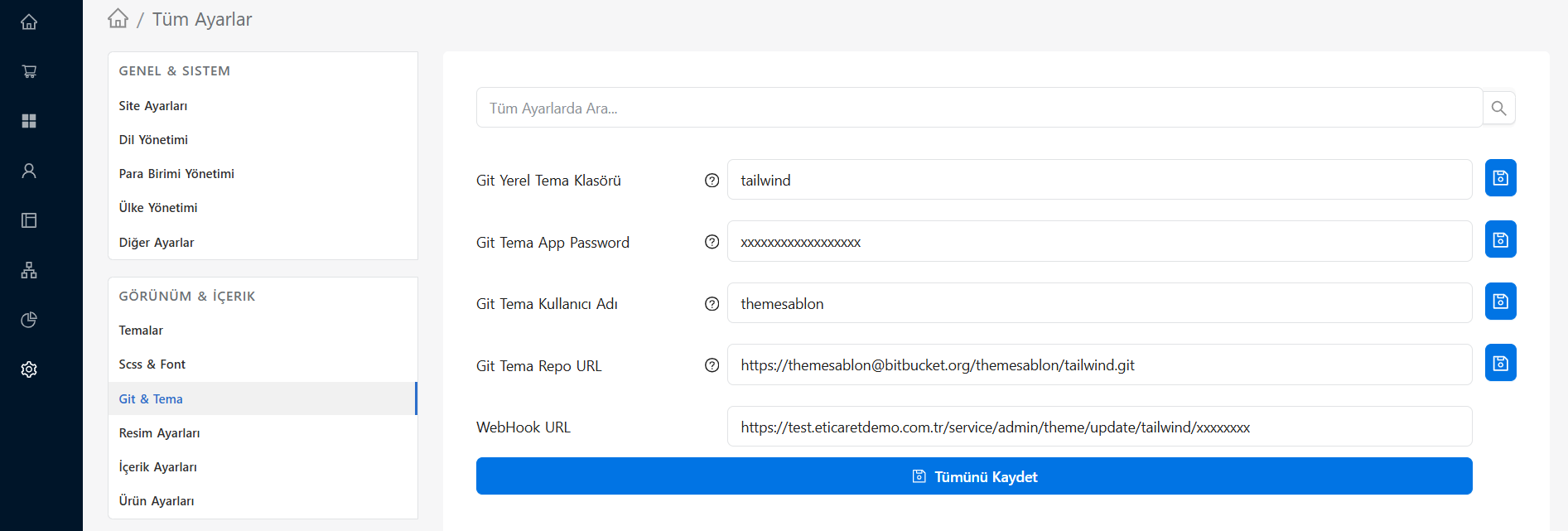
Functions of This Screen
- Version Control: You can see which version of the theme on your site.
- Receiving Updates: If you are using a ready-made theme, you can download the latest updates, bug fixes and new features published by the theme provider (EticaretShop) to your system with a single click.
- Synchronization: You can check for conflicts and stay up to date on the developments you have made in your local environment before transferring them to the remote server (production).
Backup Before Update
When updating the theme via Git, if you have made manual edits directly to the theme core files (TPL/SCSS/JS), these files may be crushed. It is always recommended to make a backup via the Themes menu before proceeding.