Model Management
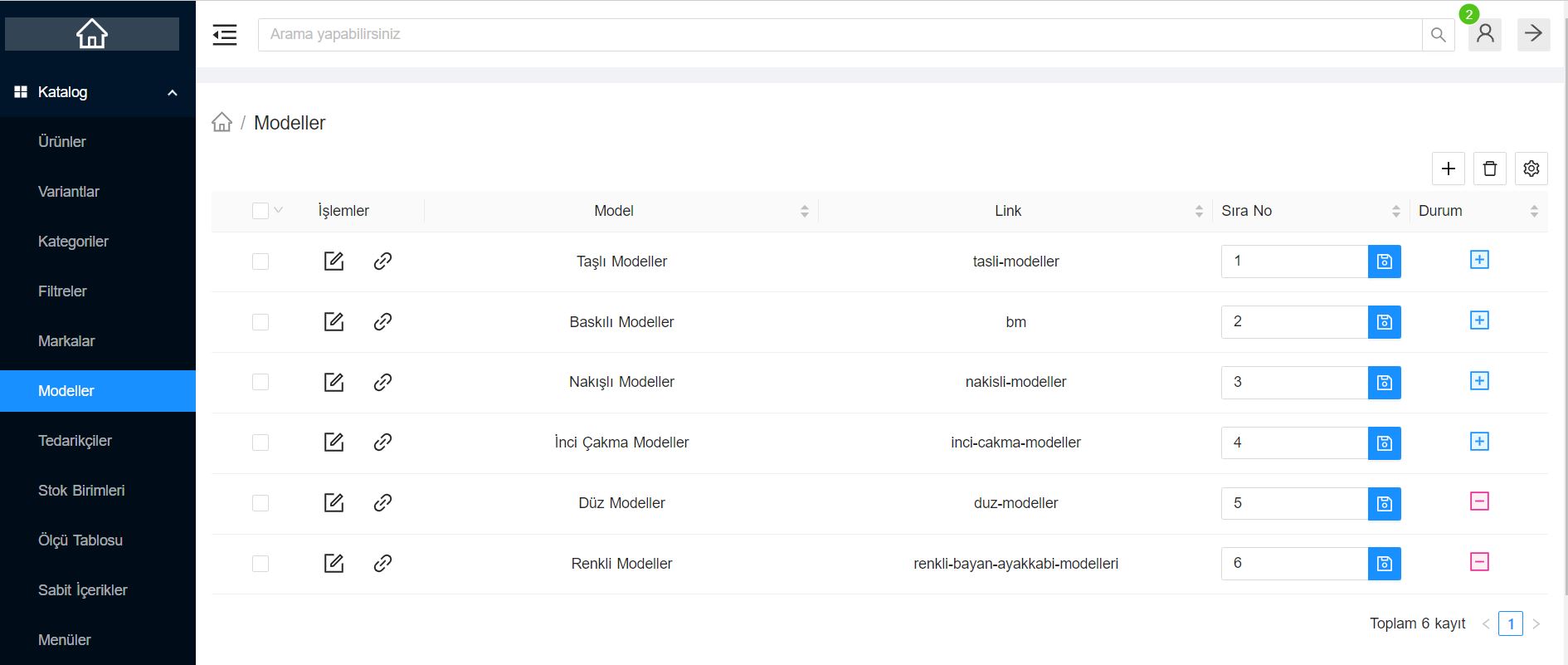
Catalog > Definitions > Model screen is the section that allows you to subcategorize your products beyond brands (by series or model name).
Defining models makes it incredibly easy for your customers to find the right product, especially if you sell products that are compatible with specific device/vehicle models, such as electronics, automotive parts, or phone accessories.
Advantages of Model Definition
- More Precise Filtering: Your customers can make precise searches by directly selecting the "Galaxy S23" model, not just the "Samsung" brand.
- SEO Compatible Product Pages: Assigning models to your products helps search engines more easily match your site for specific searches.
How to Use?
- From this screen, add the product series or device models you are selling (Ex: iPhone 15, Golf VII, Air Max, etc.) to the list.
- Then, go to the product add/edit page and assign the relevant Model from the tab where you define the product's properties.
- Thus, the "Models" option will be activated in the filter bar of your site.